

Bridesmaid Proposal Card Editable Template | Beloved


We're excited you found our instant digital download! This is a DIY editable & printable template.
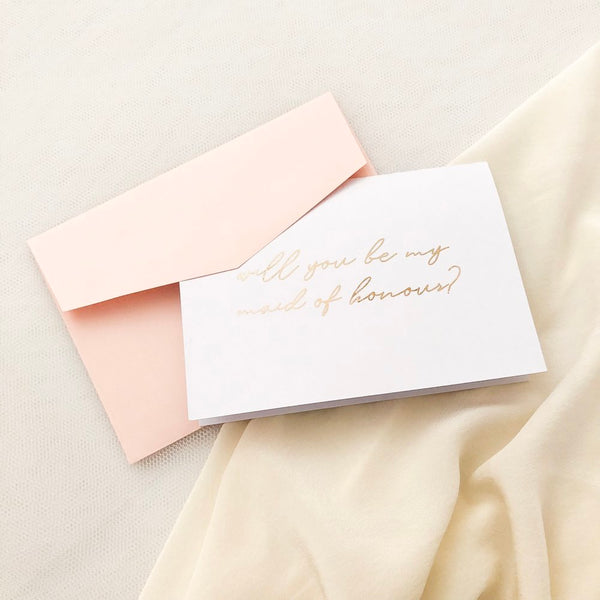
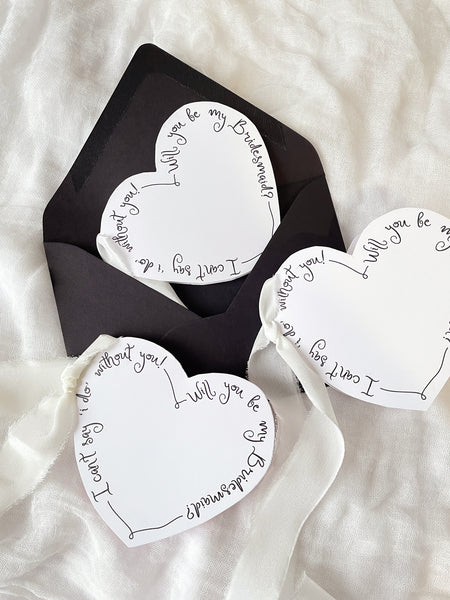
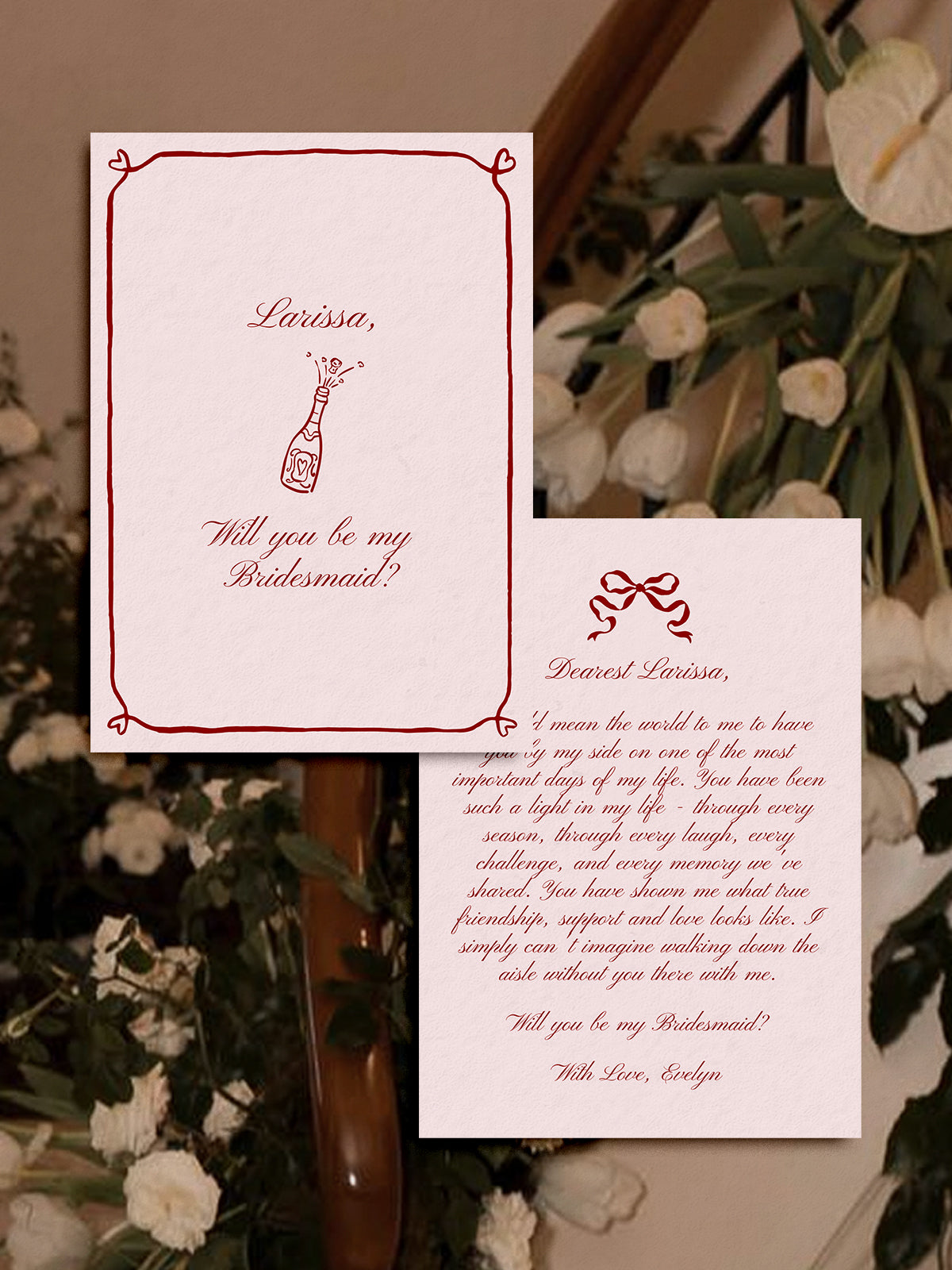
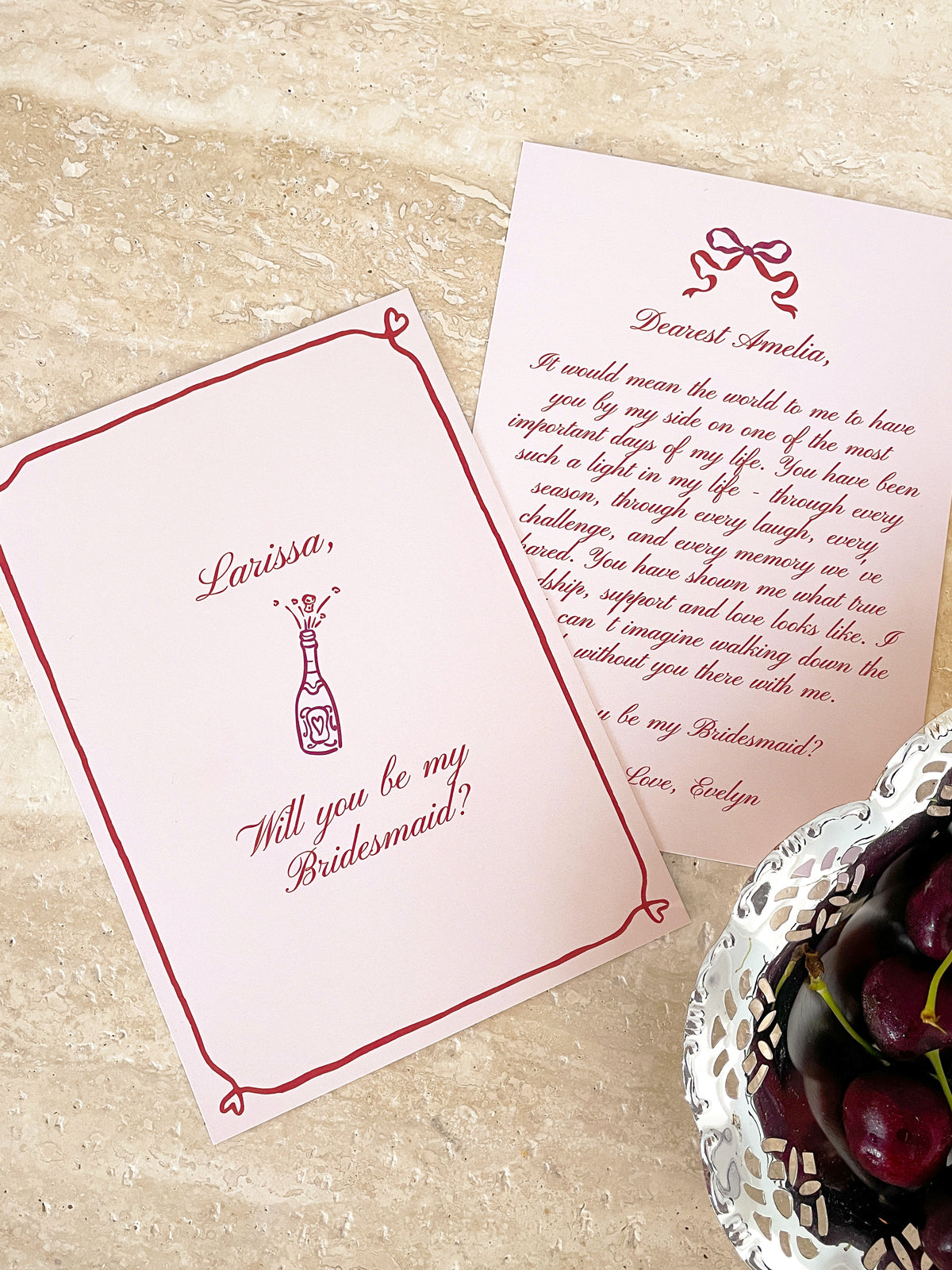
Shop our 'Beloved' Bridesmaid Proposal Cards Template, an editable Canva design created for asking your closest friends, sister or maid of honour to be part of your bridal party. Designed with delicate hand drawn borders and icons, our custom bridesmaid proposal cards help you create a meaningful keepsake for one of the most exciting moments of wedding planning. Whether you are looking for personalised bridesmaid proposal cards, will you be my bridesmaid proposal card or a thoughtful bridesmaid invitation card, our design gives you the flexibility to create a proposal that reflects your relationship and wedding style. Perfect for proposal boxes, engagement celebrations and bridal party announcements, our printable bridesmaid proposal cards make it easy to pop the question and invite your favourite people to stand by your side on your wedding day.
Our digital bridesmaid invitation template is hosted on Canva, a free and easy online editing platform that allows you to personalise your bridesmaid proposal card from a computer or mobile app. You will also need to create a Canva account, which is free and instant to set up.
What's in this template?
- 5x7 CARD
What's editable on your digital template?
Text can be changed to suit different occasions and proposal wording
Font, size and colour can be edited for personalised bridesmaid proposal cards
Background colour can be edited to match your wedding style
Photos can be added for custom bridesmaid proposal cards
Graphics can be edited, added and removed
What can't be edited?
The size and orientation (portrait)
If you need a unique size for your bridesmaid's invitation card, please email us.
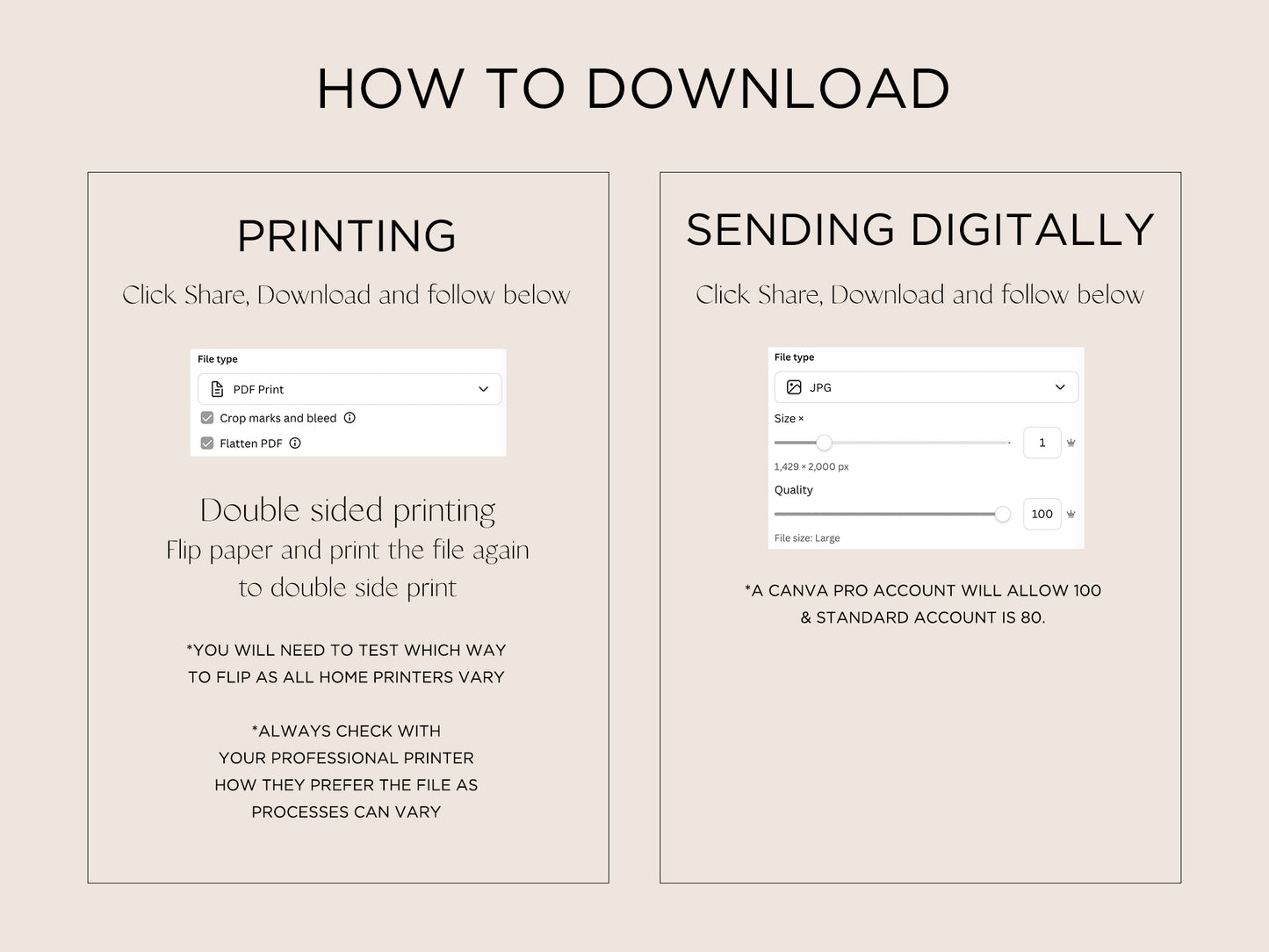
Download as:
PDF, JPG or PNG
With or without background colour
With or without bleed and crop marks
As single or multiple printable bridesmaid proposal cards per sheet
How to print?
You can simply print the file using your home printer
Take the files to Officeworks (or similar) or a print shop for professional printing
Instructions:
1. Add to cart & check out
2. You will be automatically sent a PDF file
3. The PDF file will include FAQs and a link to your Canva template
4. Edit, save, download and print
You may also like